Right-click on the image above, then “Copy Image”
In Outlook, do “New email message”
Click on “A Signature” then on “signatures...”
Click on your signature in the list or click on “New” to create a new one
Right-click in the text box and click on the 2nd icon under “Paste Options” (Merge Formatting)
Click “ OK” to register the signature
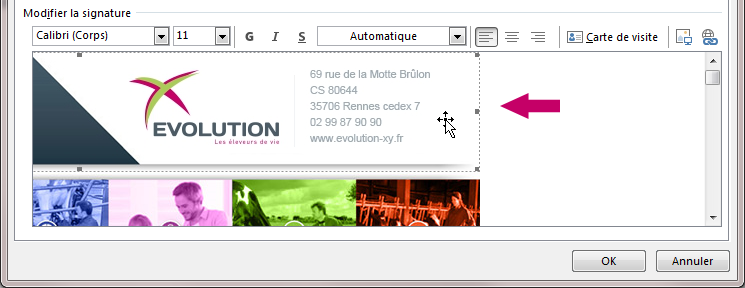
In your signature, left click on the image to select it (resizing handles should appear around the image)
From the Outlook main menu, click “ Insert”
Fill in your link in the “ Address” (the link must start with “”http://”)
Click “ OK” to validate the creation of the link.
In Outlook, do “New Email Message”
Click on your signature in the list
Right-click in the text box (below your signature image) and click on the 2nd icon under “Paste Options” (Merge Formatting)